Emballage pour flûte B : applications, critères de sélection et conseils pratiques
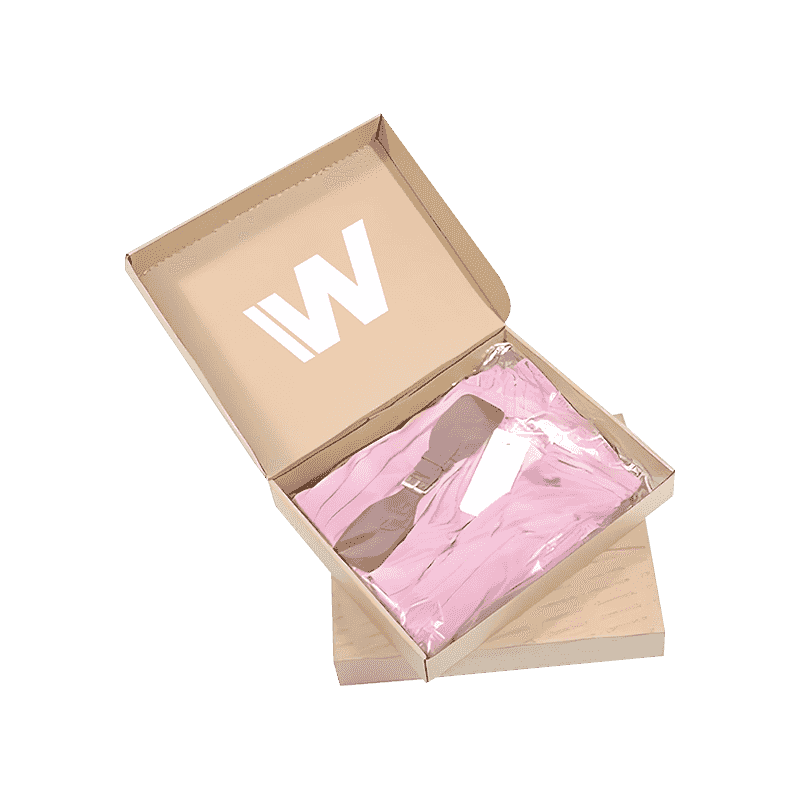
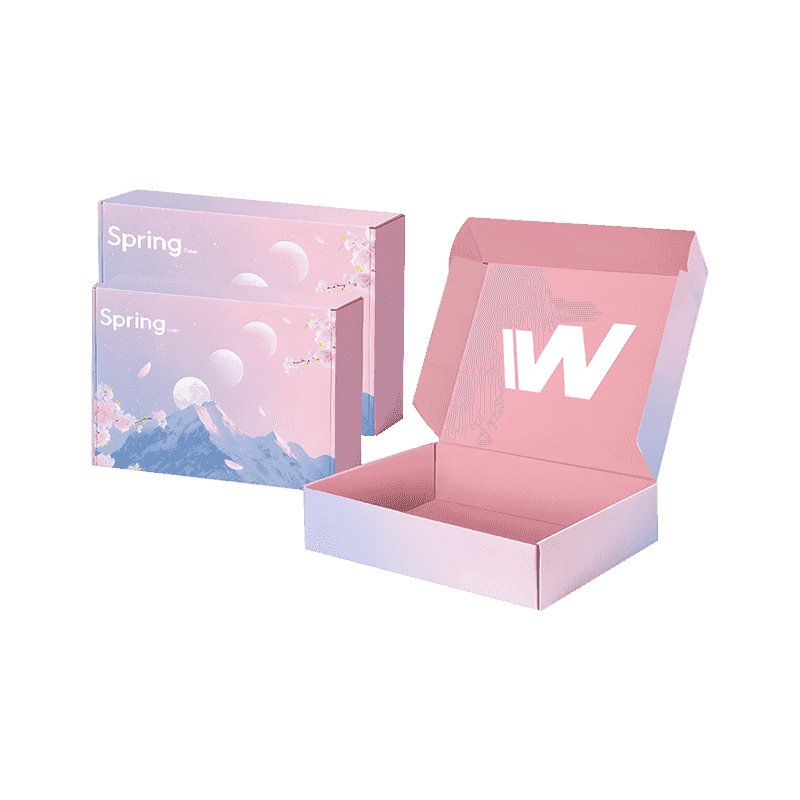
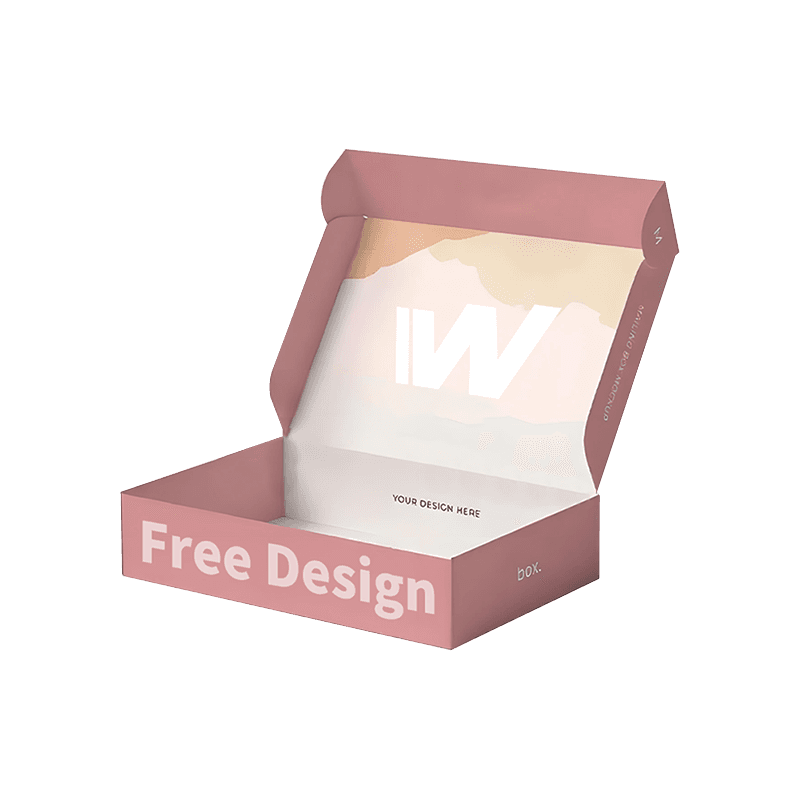
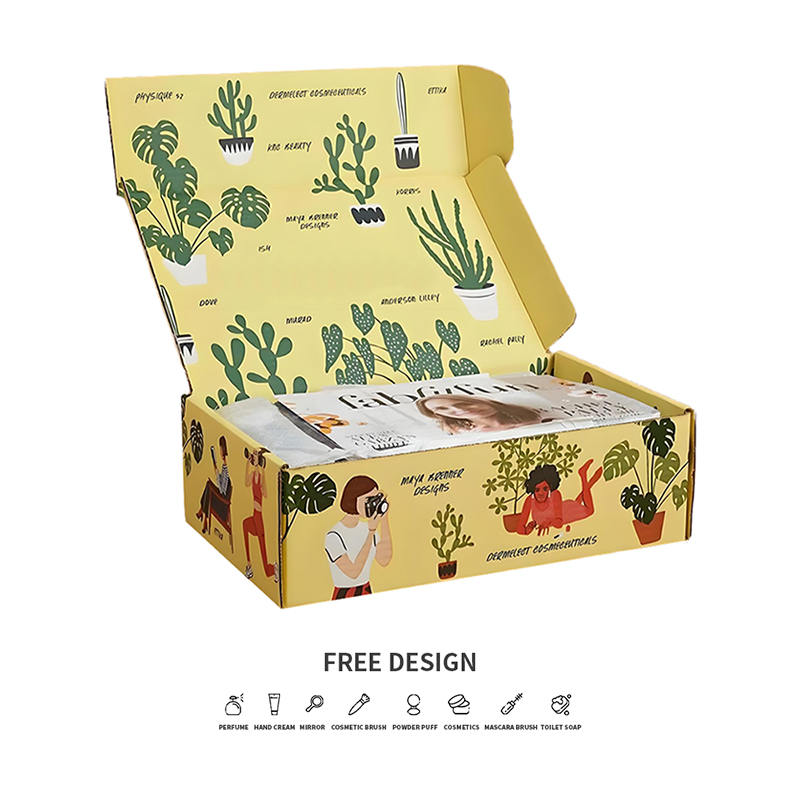
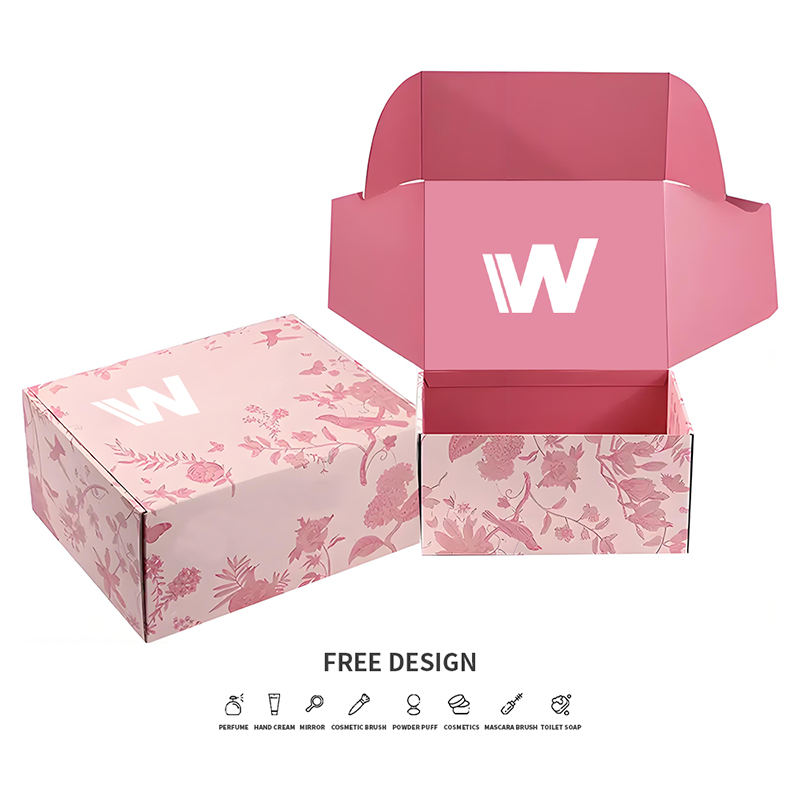
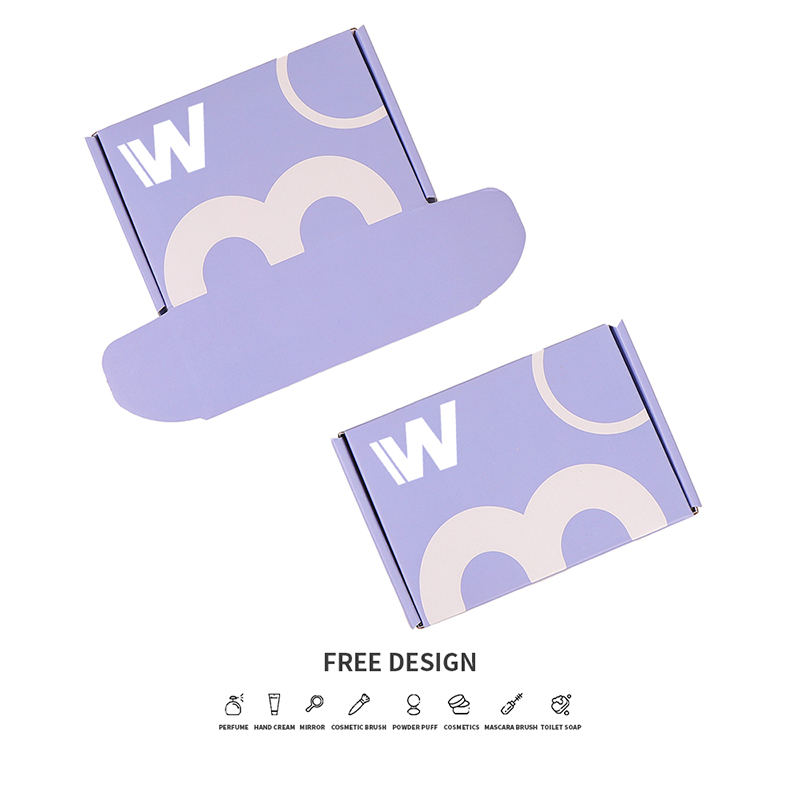
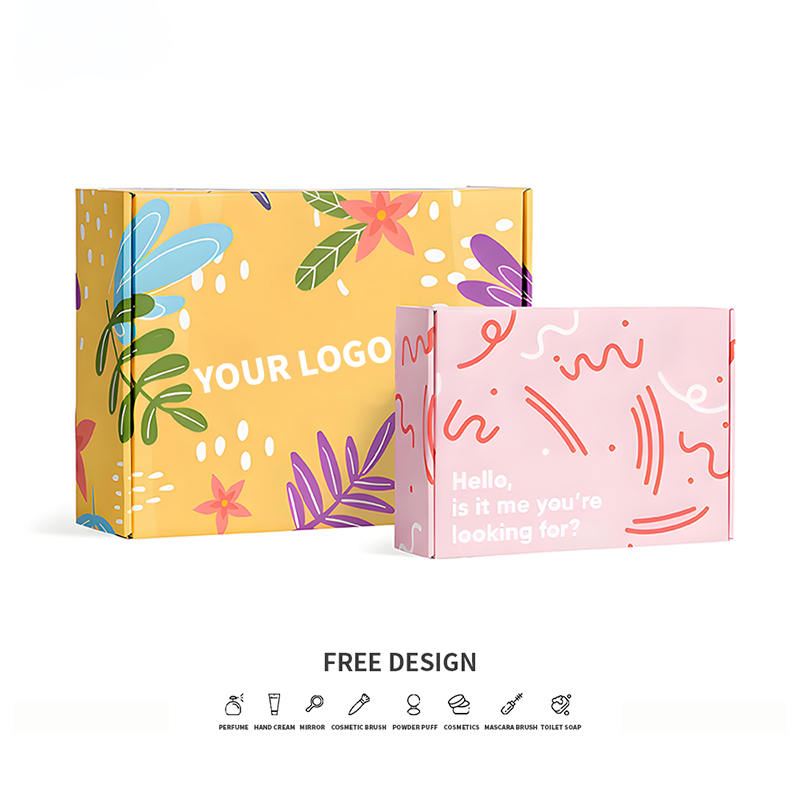
La flûte B a une réputation tranquille dans notre usine. Ce n’est pas le carton le plus épais que nous faisons passer dans l’onduleuse, et il ne remportera jamais un argument de résistance à l’éclatement contre une double paroi. Mais après plus de deux décennies de fabrication de carton ondulé à Jiaxing et Zhangshu, nous avons appris que la plupart des problèmes d'emballage ne peuvent pas être résolus en ajoutant des millimètres. Ils sont résolus en plaçant la bonne planche au bon endroit, et pour une part surprenante des tâches, cette planche est une flûte B. Voici ce qu'est réellement l'emballage de la flûte B, où il gagne sa place et comment décider s'il s'agit du bon choix pour votre produit. Ce que mesure réellement la flûte B La flûte B est une construction à paroi simple : deux doublures plates avec un support cannelé pris en sandwich entre elles. Son profil mesure environ 3,2 mm, soit environ 1/8 de pouce. C'est sensiblement plus fin que la flûte A à environ 4,8 mm et un peu plus fin que la flûte C à environ 4,0 mm. Ce qui lui manque en hauteur, il le compense en densité, transportant quelque part dans la région de 47 flûtes par pied linéaire contre environ 33 pour la flûte A et 39 pour la flûte C. Ces flûtes supplémentaires sont toute l’histoire. Plus de cannelures par pied signifie plus d'arcs pour répartir une charge, plus de points de contact entre le support et les doublures, et une feuille plus rigide et plus plate sortant de la pile. La flûte B fonctionne également régulièrement sur l'onduleuse, ce qui explique en partie pourquoi elle maintient bien son étrier sur une longue période. Cela compte plus qu’il n’y paraît. Lorsque vous imprimez mille boîtes identiques, vous avez besoin que chacune d’elles soit rainurée, pliée et empilée de la même manière que la première. Pourquoi B Flûte gagne sa place Demandez à tous ceux qui ont travaillé sur une ligne d'emballage à quelle planche ils font confiance, et vous entendrez rarement « la plus épaisse ». Vous entendez parler de boîtes qui se plient proprement, se ferment sans riposter et arrivent au client avec le même aspect qu'au moment de son départ. La flûte B fait les trois. Les flûtes sont suffisamment rapprochées pour que la planche résiste mieux à l'écrasement et à la perforation que ne le suggère son étrier. Les lignes de cassure restent serrées, de sorte qu'une boîte découpée se plie le long d'un bord net au lieu d'une courbe douce, ce qui est exactement ce dont ont besoin les emballages de vente au détail et les emballages assemblés à la main. Et comme la feuille est dense, elle s’imprime exceptionnellement bien pour un matériau ondulé. L’autre avantage est moins glamour mais souvent décisif : le volume. Une paroi de 3,2 mm vous permet d'emboîter plus de cartons par palette et plus de palettes par conteneur. Sur les colis facturés en fonction du poids volumétrique plutôt que du poids réel, une paroi plus fine peut se traduire par un coût au débarquement inférieur sans toucher au produit à l'intérieur. Comment la flûte B se compare aux autres flûtes communes La sélection de flûte porte rarement sur un seul numéro. C'est un échange entre amorti, résistance à la compression, surface d'impression et cube. Valeurs approximatives : décalages réels du pied à coulisse en fonction de la qualité du support, du grammage du papier et des paramètres de l'onduleuse. Flute Env. étrier Flûtes par pied Rôle typique A 4,8 mm (3/16 po) ~33 Amortissement pour marchandises fragiles ou lourdes B 3,2 mm (1/8 po) ~47 Boîtes de vente au détail, courriers, accessoires, emballages imprimés C 4,0 mm (5/32 po) ~39 Le transport maritime général, un juste milieu E 1,6 mm (1/16 po) ~90 Petits emballages de vente au détail et prêts à la vente F 0,8 mm (1/32 po) ~125 Vente au détail raffinée et présentation haut de gamme Lisez cela comme un point de départ plutôt que comme un verdict. Un article lourd dans un petit carton peut être parfaitement en sécurité dans une flûte B, tandis qu'un produit léger mais de forme maladroite peut toujours avoir besoin d'une flûte C pour la profondeur de rembourrage supplémentaire. Où l'emballage B Flute fonctionne le mieux Dans les gammes de produits que nous construisons, une poignée d'applications reviennent encore et encore : Commerce électronique et courrier postal. Le carton est suffisamment rigide pour protéger un colis en transit tout en gardant les dimensions extérieures serrées, ce qui facilite la tarification volumétrique. Emballages de vente au détail et prêts à l'emploi. Des plis nets, des coins carrés et une face imprimable en font un choix naturel pour les emballages de présentation et de comptoir. Aménagements intérieurs et séparateurs. La flûte B découpe et fente proprement, de sorte qu'elle s'adapte aux inserts, cloisons et composants de type plateau à l'intérieur d'un expéditeur plus grand. Restauration et boulangerie. Les boîtes à pizza, les cartons de confiserie et les emballages à emporter bénéficient de la surface plane et dense et des bonnes options de résistance à la graisse du revêtement. Cosmétiques et emballages cadeaux. Là où la boîte doit paraître réfléchie sur une étagère, la flûte B avec un liner laminé ou directement imprimé conserve bien la couleur de la marque. Coffrets d'abonnement et de kits. Les petites séries de courriers imprimés avec un moment de déballage entrent parfaitement dans la gamme des flûtes B. Boîtes postales en carton ondulé personnalisées pour l'expédition de marque Boîtes d'expédition de marque avec impression extérieure en couleur, couleurs de base personnalisées et options d'insertion, adaptées à l'exemple de courrier quotidien discuté ici. Voir le produit → Les mailers en sont l’exemple le plus clair au quotidien. Une enveloppe à flûte B bien conçue conserve sa forme grâce à un moyeu de tri, s'ouvre sans se déchirer et donne au client une première impression propre plutôt que bosselée. Qualité d'impression et présence en rayon C’est là que la flûte B éclipse discrètement les planches plus épaisses. Étant donné que les cannelures sont rapprochées, le revêtement extérieur est soutenu à intervalles rapprochés et reste plat sous la pression. L'impression flexo est plus nette et les feuilles litho-plastifiées ou imprimées numériquement sont sans le lavage que vous voyez parfois sur une flûte. Les couleurs unies de la marque et les demi-teintes modérées résistent bien. La mise en garde pratique concerne la doublure. Une face kraft non couchée boira de l'encre et masquera les détails fins, donc si votre œuvre dépend d'un repérage serré ou de dégradés subtils, parlez-nous d'un revêtement couché ou blanc avant la fabrication des plaques. De petites modifications matérielles coûtent bien moins cher qu’une réimpression. Boîte-cadeau cosmétique ondulée de nuage de lavande Coffret cadeau cosmétique lavande douce avec de grands graphismes de nuages et d'arc-en-ciel, une couverture d'encre contrôlée et un bronzage ou un marquage à chaud en option pour les accents de la marque. Voir le produit → C'est dans les coffrets cadeaux et beauté que l'on voit le plus clairement la différence, puisque la même feuille doit protéger le produit et porter en même temps la marque. Choisir la bonne planche de flûte B pour votre produit Une fois que vous avez choisi le profil de la flûte, quatre décisions font l'essentiel du travail. Faites correspondre la qualité de la planche à la charge La qualité concerne une doublure combinée et un poids moyen, et non seulement la hauteur de la flûte. Une boîte à flûte 32 ECT B gère une grande partie du fret quotidien ; un article plus lourd ou une longue chaîne de distribution peut nécessiter une qualité plus solide ou une double paroi combinant B et E. Si vous n'êtes pas sûr, notre guide pour tailles de cannelures en carton ondulé parcourt les mesures plus en détail. Vérifiez la direction de la flûte Les flûtes traversant verticalement une paroi de caisson transportent une charge d'empilage ; les flûtes fonctionnant horizontalement ajoutent un amorti mais abandonnent la compression. C'est un petit détail sur un dessin et un grand sur une palette. Décidez du revêtement et terminez Kraft pour un aspect naturel, dessus blanc pour une impression lumineuse, contenu recyclé si votre marque le demande, plus plastification mate ou brillante si l'emballage est placé sur une étagère plutôt que dans un entrepôt. Confirmez le style de la boîte RSC, reverse tuck, mailer, tray et sleeve se comportent tous différemment dans la flûte B. Le matériau est indulgent, mais la ligne de découpe doit encore le respecter. Boîtes d'expédition en carton pour commerce électronique de 12 tailles Boîtes d'expédition en carton ondulé en 12 tailles pour petits accessoires et gros équipements, avec assemblage rapide et impression de logo pour les boutiques en ligne. Voir le produit → Si vous expédiez une petite gamme de produits et préférez ne pas partir d’une feuille blanche, travailler à partir d’un ensemble de tailles de stock est souvent la voie la plus rapide, avec l’impression ajoutée en haut. Des erreurs que nous voyons souvent Supposer que mince signifie faible. La flûte B est plus fine que la flûte C, pas plus fragile. La densité fonctionne, ce que l'étrier seul ne peut pas faire. Sur-spécification. L'ajout d'un mur « juste au cas où » augmente le coût des matériaux, le coût du transport et l'encombrement du stockage pour un problème qui n'existe peut-être pas. Ignorer le poids dimensionnel. Quelques millimètres de mur supplémentaire sur des milliers de parcelles s’accumulent rapidement. Choisir des œuvres d’art qui combattent le tableau. Une couverture d'encre épaisse sur du kraft nu semblera inégale, quelle que soit la qualité des plaques. Echantillonnage sur une autre feuille. Une épreuve de presse sur un carton plus lourd vous en dit très peu sur la façon dont le cycle de production se déroulera. Aucun d’entre eux n’est difficile à éviter une fois nommés, et la plupart sont réglés au cours d’une seule conversation avant que le premier échantillon ne soit coupé. Lorsque vous êtes prêt à discuter d'une spécification, notre processus de personnalisation couvre les illustrations, l'outillage et l'approbation des échantillons étape par étape. Une note de clôture pratique La flûte B est le carton que nous recherchons lorsqu'un emballage doit protéger un produit, s'imprimer suffisamment bien pour représenter une marque, tout en ayant un sens économique sur une palette. Ce n’est pas la réponse à tous les mémoires, et nous le dirons lorsque ce n’est pas le cas. Mais si votre produit tient confortablement dans un carton, voyage à travers des réseaux de colis ordinaires et doit avoir l'air présentable lorsqu'il atterrit, il y a de fortes chances que la flûte B soit le point de départ le plus efficace. Envoyez-nous les dimensions du produit, son poids et les modalités d'expédition. Nous vous dirons honnêtement dans quelle flûte nous le mettrions et pourquoi. .article-section table{display: table!important;} .article-section thead{display: table-header-group!important;} .article-section tbody{display: table-row-group!important;} .article-section tr{display: table-row!important;} .article-section th{display: table-cell!important;} .article-section td{display: table-cell!important;} .article-section table{width:100%;border-collapse:collapse;margin-bottom:12px;} .article-section caption{caption-side:bottom;font-size:16px;margin-bottom:12px;font-style:italic;color:#808080;} .article-section th{font-weight:bold;border:1px solid #cccccc;padding:8px;} .article-section td{border:1px solid #cccccc;padding:8px;text-align:center;} .article-section ol{margin-bottom:12px;list-style-type:decimal;list-style-position:inside;padding-left:5px;} .article-section ul{margin-bottom:12px;list-style-type:disc;list-style-position:inside;padding-left:5px;} .article-section li{list-style:inherit;font-size:16px;margin-bottom:6px;} .article-section h2{font-size:22px;font-weight:bold;text-align:left;margin-bottom:12px!important;} .article-section h3{font-size:16px;font-weight:bold;text-align:left;margin-bottom:12px;} .article-section p{font-size:16px!important;margin-bottom:12px;} .product-card{display:block;margin:20px 0;border:1px solid #e5e7eb;border-radius:10px;overflow:hidden;font-style:normal;background:#fff;box-shadow:0 0 5px rgba(31,41,55,.08)}.pc-inner{display:flex;text-decoration:none;color:inherit;align-items:center;min-height:148px}.product-card .pc-img{width:auto!important;min-width:0!important;max-width:min(36%,240px)!important;height:auto!important;min-height:0!important;max-height:148px!important;aspect-ratio:auto!important;object-fit:contain!important;flex:0 0 auto;display:block;align-self:center}.pc-body{padding:12px 16px;flex:1;min-width:0;display:flex;flex-direction:column;align-self:stretch;justify-content:center}.pc-title{display:block;font-size:15px;font-weight:600;color:#111;margin:0 0 6px;line-height:1.4}.pc-desc{display:-webkit-box;font-size:13px;color:#6b7280;margin:0 0 8px;line-height:1.5;overflow:hidden;-webkit-line-clamp:2;line-clamp:2;-webkit-box-orient:vertical}.pc-cta{display:block;font-size:13px;font-weight:600;color:#0F9B04;margin-top:auto}.pc-inner:hover .pc-title{text-decoration:underline} .article-section a:not(.pc-inner),article a:not(.pc-inner){color:#0F9B04}.pc-cta{color:#0F9B04!important}



 English
  русский
  Français
  Español
  عربى
عربى 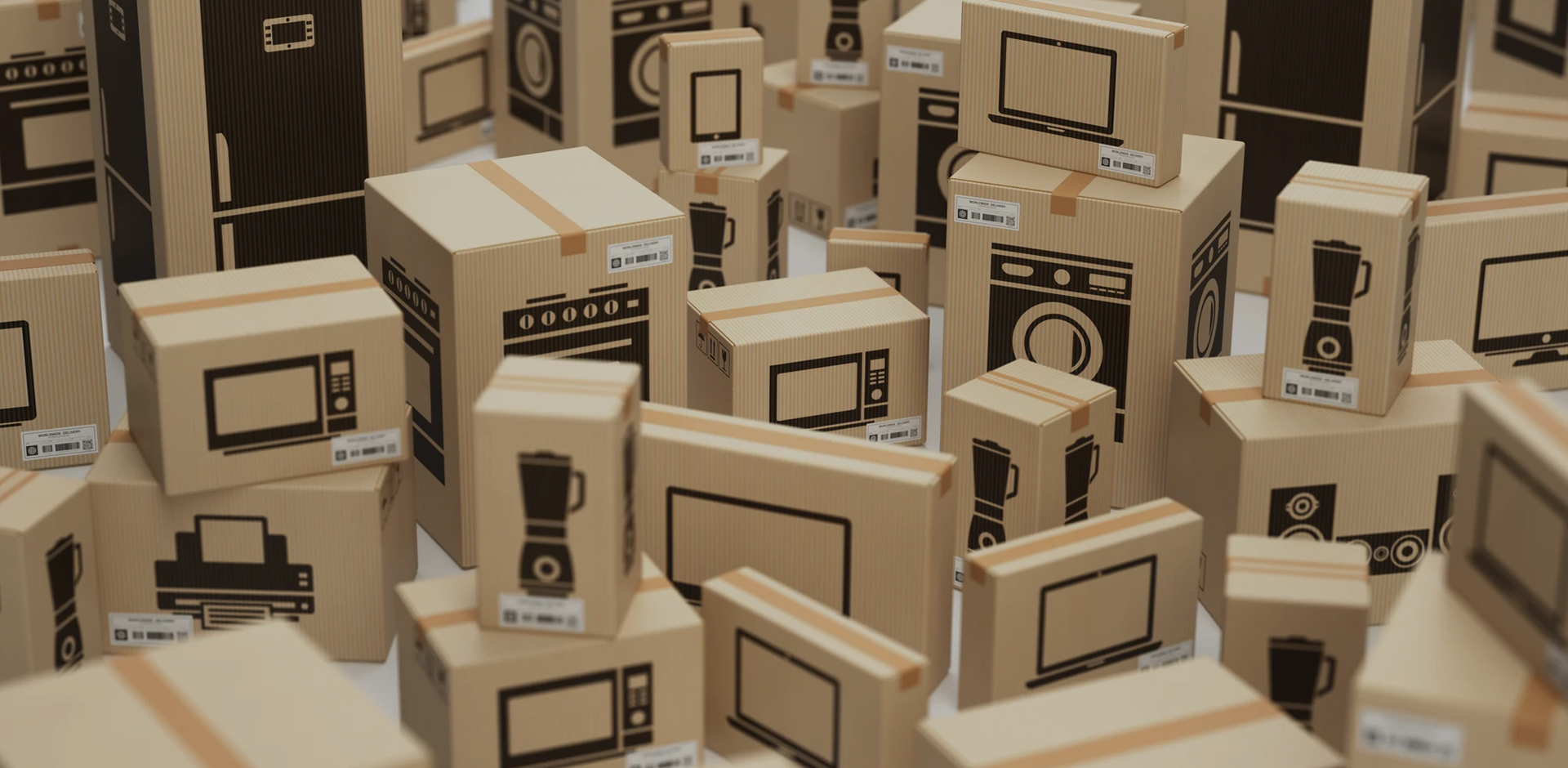 Emballage qui est attentif à votre satisfactionLire la suite
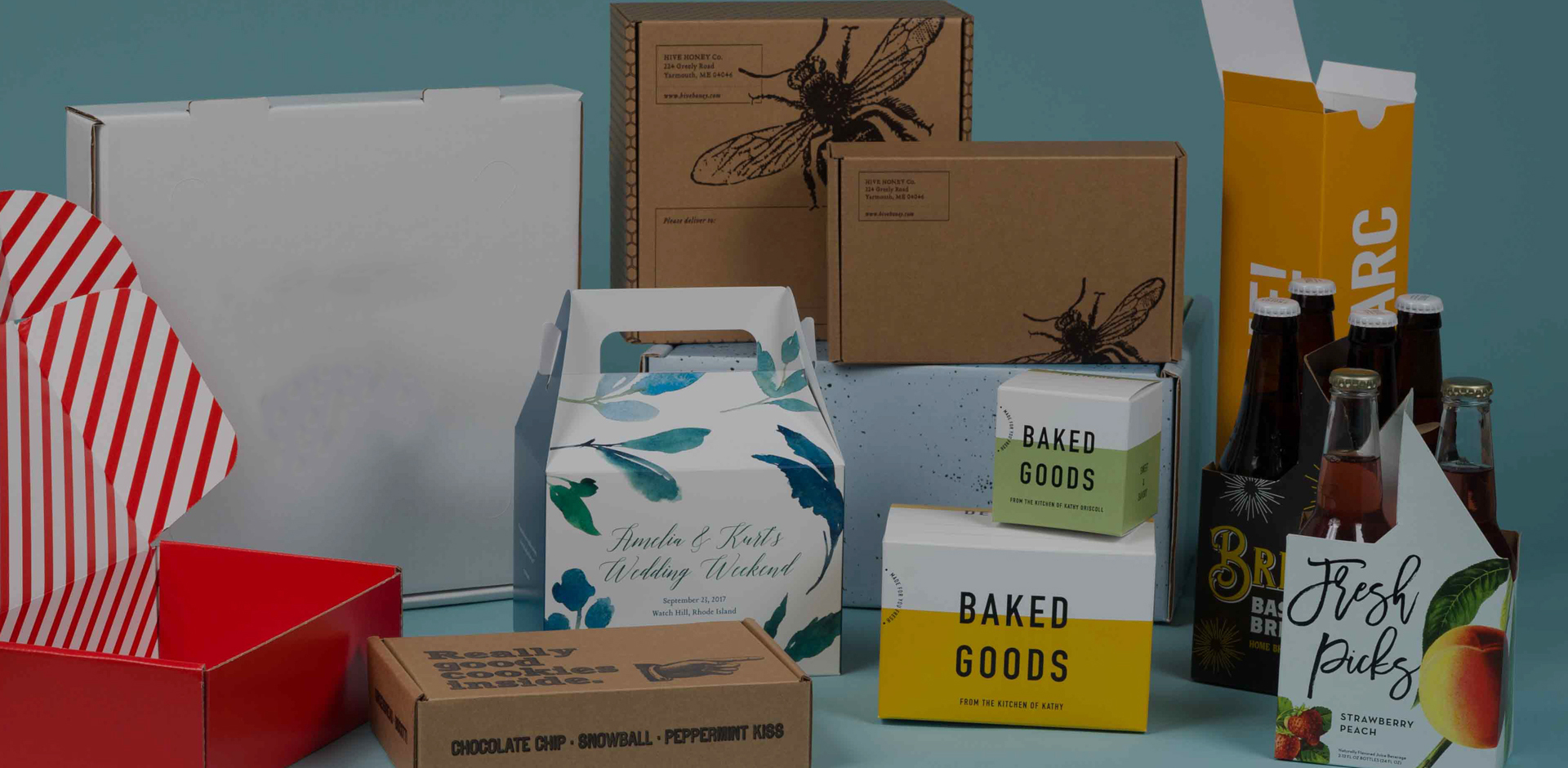 Personnalisez votre propre boîte d'emballage onduléLire la suite
 Wenchen Packaging construit une écologie durable avec vousLire la suite





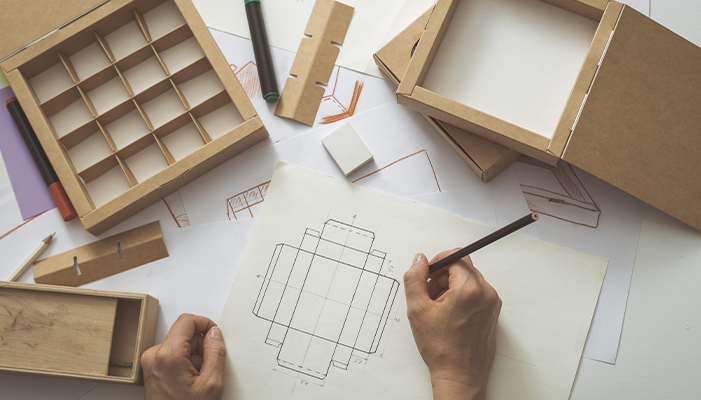
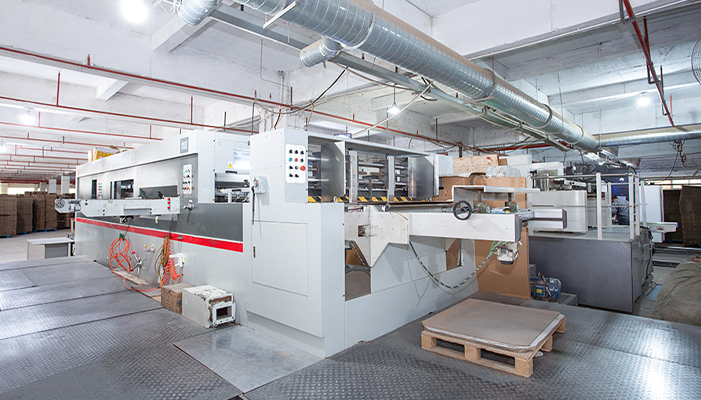
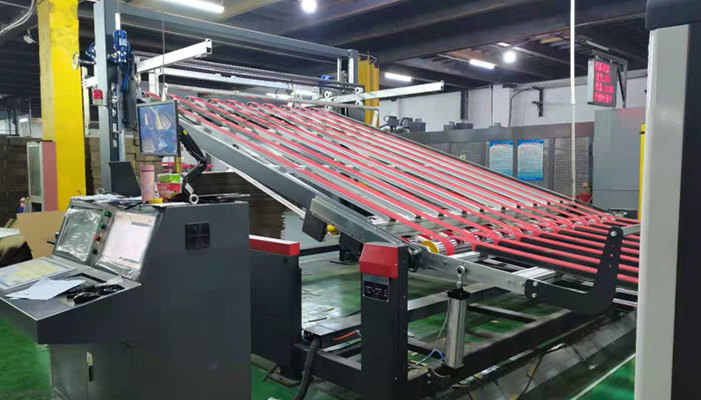
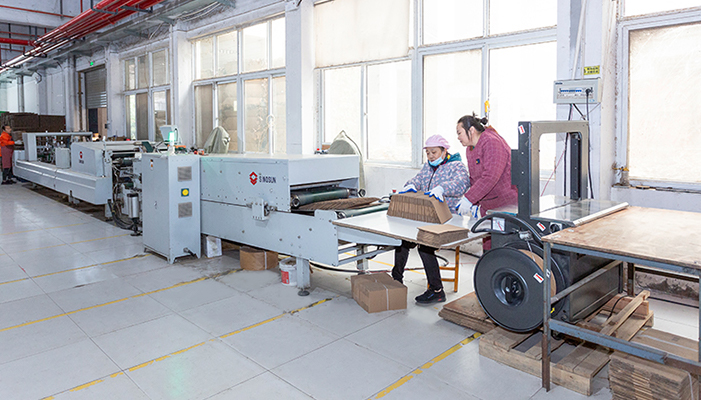


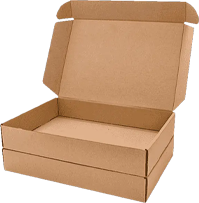
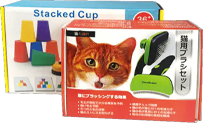
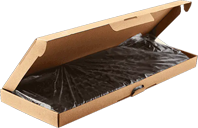
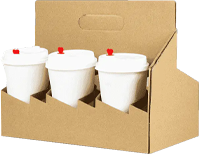






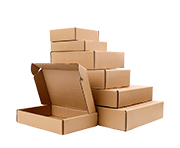
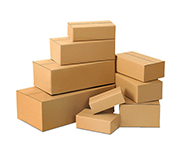
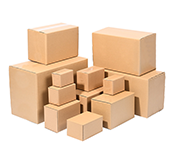

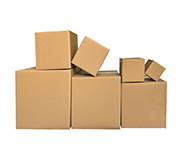
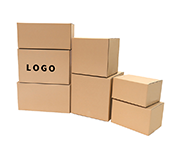




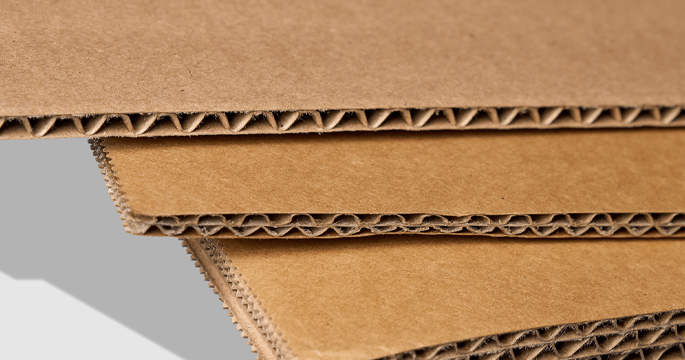 Le bord est clair et beau, et le sélectionné Le papier ondulé a une forte résistance à la compression
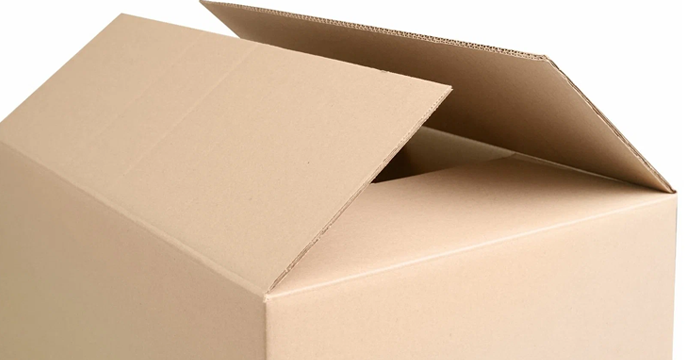 L'intérieur du carton est collé, l'apparence est soignée et la coupe des articles dans la boîte est soignée sans les endommager.
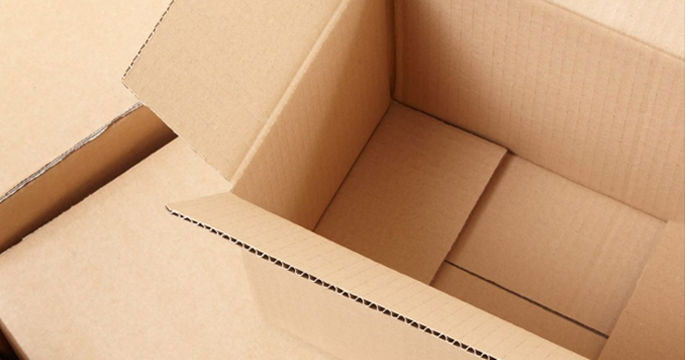 Structure soignée et belle et renforcée, pas facile à blesser vos mains, un emballage de confiance et sûr
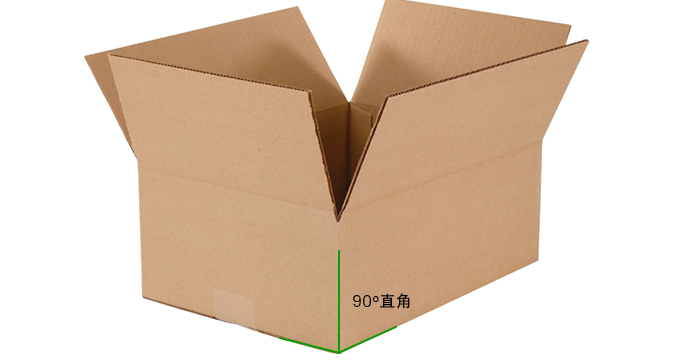 Processus de production standard, la boîte est scellée à un angle droit de 90 °, ce qui est plus résistant à la pression!